AI-Powered Precision Cutout Remove Background Instantly on Erase.run
High-precision edge detection for portraits, fashion, e-commerce, and objects with zero halo residue.
Drop your images here
or drag & drop files, or paste with Ctrl + V
JPG, PNG, WebP • Max 5 images per batch • Up to 25 MB each
Three steps. Zero effort.
Upload any image
Drop, paste or select up to 5 images. JPG, PNG and WebP up to 25 MB.
AI understands it
Erase.run recognises whether it's a person, product, pet, plant or logo and picks the right cutout engine automatically.
Style & download
Add a backdrop, shadow or ratio, then grab HD, full-resolution Max, or a ZIP of everything.
Built for Speed, Privacy & Precision
Fair 12h Quota
Free usage stays fair for everyone, with a live reset countdown.
HD & Max Output
Fast web-ready HD, or full original resolution for print.
Custom Backdrops
Solid colors or your own photo, with optional blur.
Smart Subject Detection
Knows a logo from a photo and picks the right engine, with no settings needed.
Touch-Up Brush
Erase or restore edges by hand, with undo and redo.
Ratios & Batch ZIP
1:1, 4:5, 9:16 canvases and one-click ZIP for up to 5 images.
It knows what you uploaded.
No modes, no settings. Erase.run reads every image first. Photos go through our AI subject model, while logos and flat graphics get a pixel-perfect edge cut with no leftover blotches.
- Hair, fur and petals kept intact on photos
- Crisp, halo-free edges on logos and icons
- Uncertain images are double-checked automatically
Stunning quality
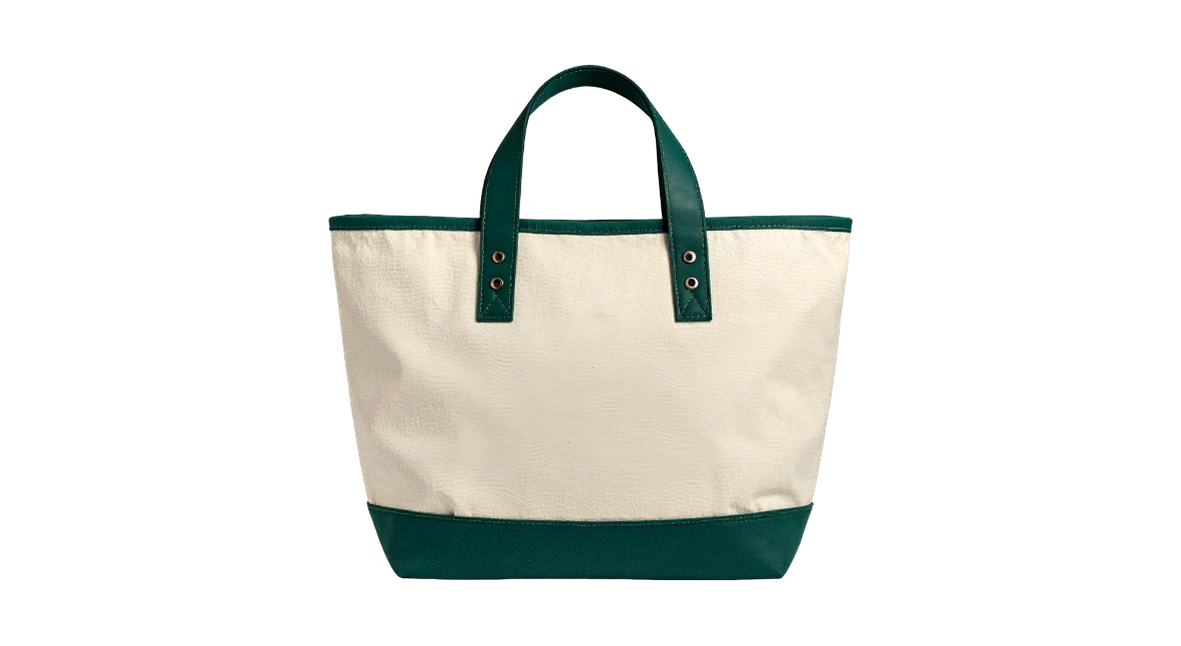
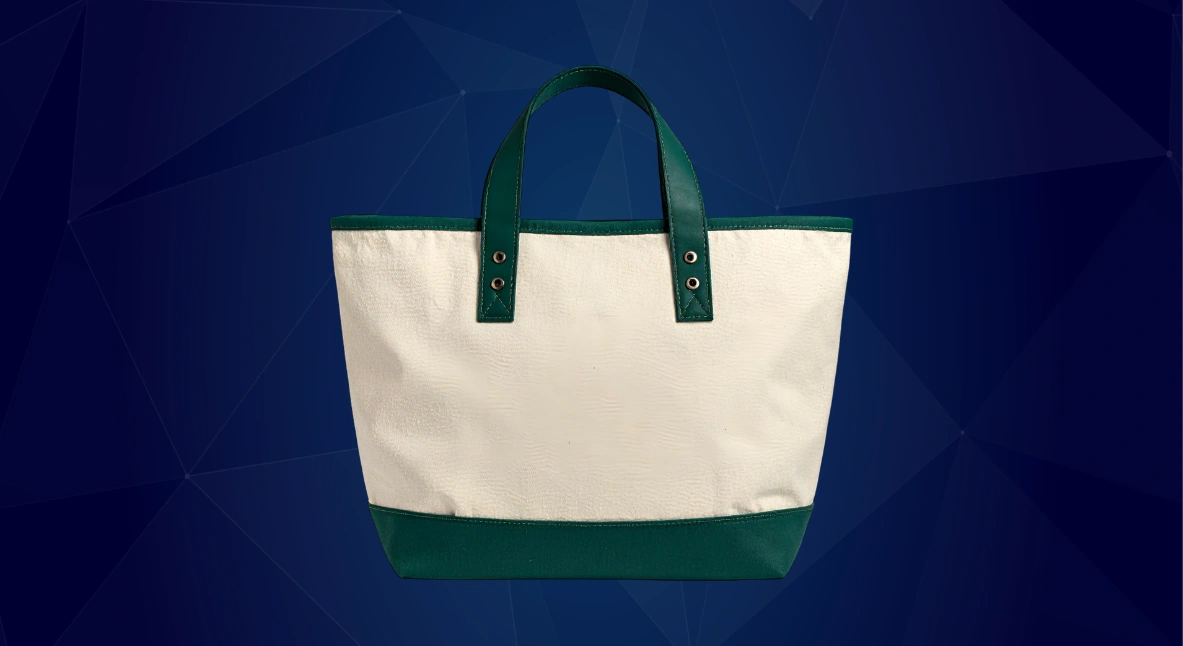
One tool, every workflow
E-commerce
Clean white or 1:1 marketplace-ready product shots in seconds.
Social media
Scroll-stopping posts, stories and thumbnails with custom backdrops.
Designers
Full-resolution transparent PNGs, ready to drop into any layout.
Profile & ID photos
Swap to a plain white or brand colour for CVs and LinkedIn.
Logos & branding
Turn a logo on a coloured box into a clean transparent mark.
Print & banners
Max Cut keeps your original pixels for flyers and large prints.
Frequently Asked Questions
Find quick answers regarding our high-speed AI tools, session allowances, HD formats, and data confidentiality.
How does the rolling 12-hour session quota work?
What is the difference between HD Cut and Max Cut?
• Max Cut: Rebuilds the cutout on your original photo's pixels, so you get your full upload resolution (up to ~16 megapixels) for print, banners, and professional design work.
Can I add custom backdrops and solid backgrounds directly?
Are my uploaded images permanently stored on your servers?
Is Erase.run completely free for commercial and personal use?
Ready to erase your first background?
Free, private and ready in seconds. No watermark, no signup needed to start.